Digital skills in libraries
Free help using tech, tablets and the internet
Read video transcript
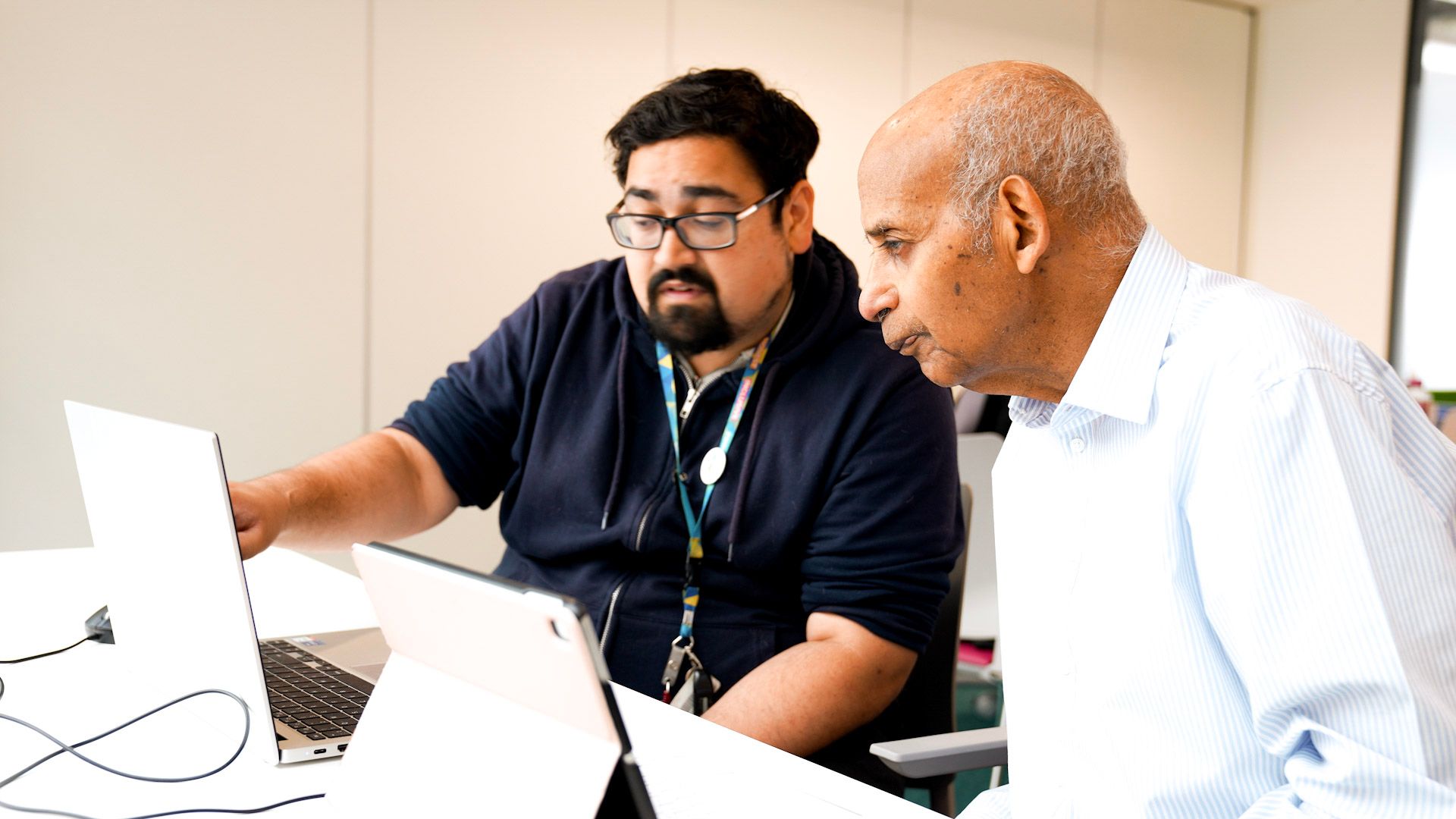
Shaun Condon, Service Delivery Manager at the Royal Borough of Kensington and Chelsea: Who are the sessions for? Well, they’re for anyone who is trying to get a little bit of experience with digital skills.
They might be trying to access things online, whether it’s local services, or anyone who wants to save money or find local opportunities for skills.
Majzoub Ali, customer at Southend Libraries: But the difference is, on the internet they tell me how to do it. But when I come here they show me how to do it. And of course, it makes me very confident using my devices.
Emma Dunham, Senior Library Assistant at West Sussex Libraries: We had a gentleman recently who lost his wife, and he really was utterly at sea. He didn’t know what to do. She was the holder of the digital keys almost, and he had no idea.
He came in to do some book borrowing, and we said, “Perhaps, maybe, could you try and have a bash with a digital volunteer?” And he did. And now he can do it. And I think a big part of that was the loneliness that he was feeling, the lack of confidence having lost his wife. And suddenly the world began to open up for him again, and that was great to see.
Ali Mashkoor, customer at West Sussex Libraries: Well, actually, I was struggling to check my emails and all the things. And a friend of mine said to me, go to the library and get help from there. So I come in and get the help a lot.
Shaun Condon: I think we’ve definitely helped some people. Occasionally you’ll get someone who comes in for one question. By finding out what they’re actually looking for, you realise that you’re actually stopping them from entering into a scam. So we’ve saved people, directly, money that way.
The impression of libraries I want to break is that they’re not necessarily quiet spaces anymore. People would always go like “shhh” when I said I worked in the library, and they’re not, they can’t be.
They’re community centres, they deal with everything. If you don’t need a library yet, just know that’s there for when you do. It’s that third space in the community where you’re not expected to pay anything, and it’s just giving support for anything that you might need.
Many libraries across the country offer free sessions that help people build their digital literacy.
They provide clear, easy-to-follow support to help people of all ages feel safe and confident using modern technology.
This important life skill helps you access convenient services, stay connected to others, enjoy entertainment and live independently.
“At Tablet Tasters I take along a list of questions and the staff answer them all. It’s given me the confidence to try more with technology.”
At library digital skills sessions you can get help with things like:
- Using your smartphone or tablet for the first time
- Connecting with family online
- Accessing digital content through the library
- Learning how to be safe from online scams and threats
- Teaching children how to use devices responsibly.
Did you know?
Digital skills sessions go by different names at different libraries.
At your library they might be called something like:
- Digital Hour
- Digital Drop-in
- Digital Champions
- Silver Surfers
- Tablet Tasters
- Get Online At Your Library.
Find digital skills support at a library near you
Browse the map to find libraries offering digital skills support. Or, search our national library map.
Skills and volunteering for young people
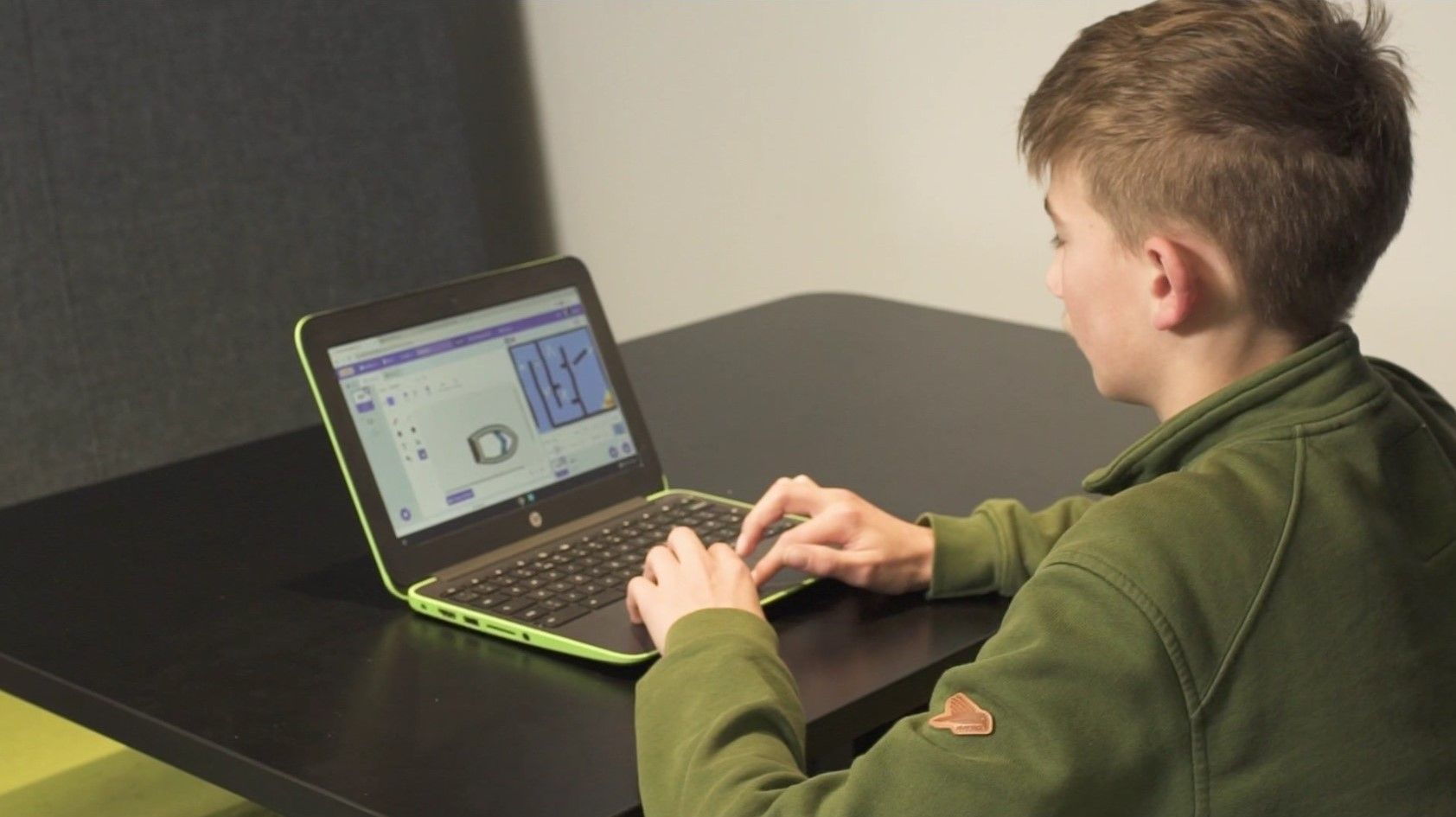
Code Clubs in libraries offer ways for children to learn – and teach – digital skills among peers. Photo: Leamington Library by LibraryOn
Code Club is a nationwide initiative offering free after-school coding sessions for children.
You can find local clubs in schools and libraries around the country. They help young people enjoy technology, create digital projects and develop skills like problem-solving and communication.
Teaching others is a great way to build skills too, and there are often volunteering opportunities at libraries.
Questions about digital skills in libraries
Who are library digital skills sessions aimed at?
Some sessions are aimed at adults who might not be very familiar with technology. Others are aimed at all ages.
See if a library near you offers digital skills sessions and, if it does, staff will be able to advise you.
How can the library help me improve my digital skills?
Libraries all over the country offer drop-in sessions where you can bring your device and get help from a volunteer.
If you don’t have a device you can often use one of the library’s computers.
Do I need to be a member to get digital skills help at the library?
It might vary. But many digital skills drop-in sessions will be open to non-library members.
Do I need to book to attend a library digital skills session?
This might vary by library. But many library digital skills sessions tend to be drop-in, which means you don’t need to book.
Do I need to bring my own device to a digital skills session at the library?
If you want to learn how to get the most out of your device, you can usually take it along and a volunteer will help you.
But you don’t have to take a device to ask for advice or support.
Can I use a computer or the internet at the library?
Yes. Lots of public libraries offer free access to computers and wi-fi.
Staff can help you get started if you’re new to using them. There might be a time limit on how long your computer session will last.